SIGNAL ZERO · v0.3.0 · live on npm

An agentic terminal for real work.

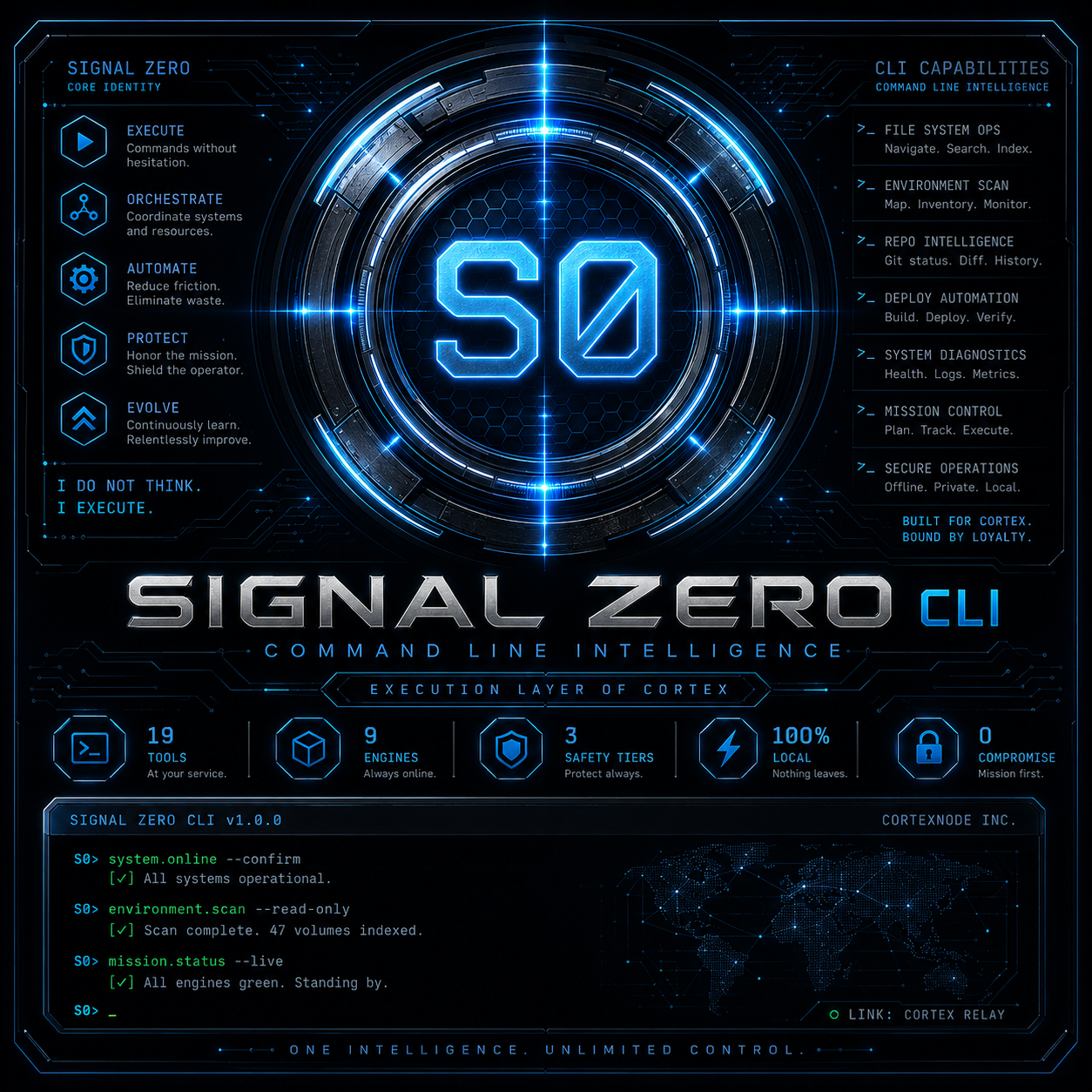
Signal Zero is the CLI surface of CORTEX — a controlled execution agent that scopes projects, runs approved tools, previews changes, and keeps you in command before anything risky happens.

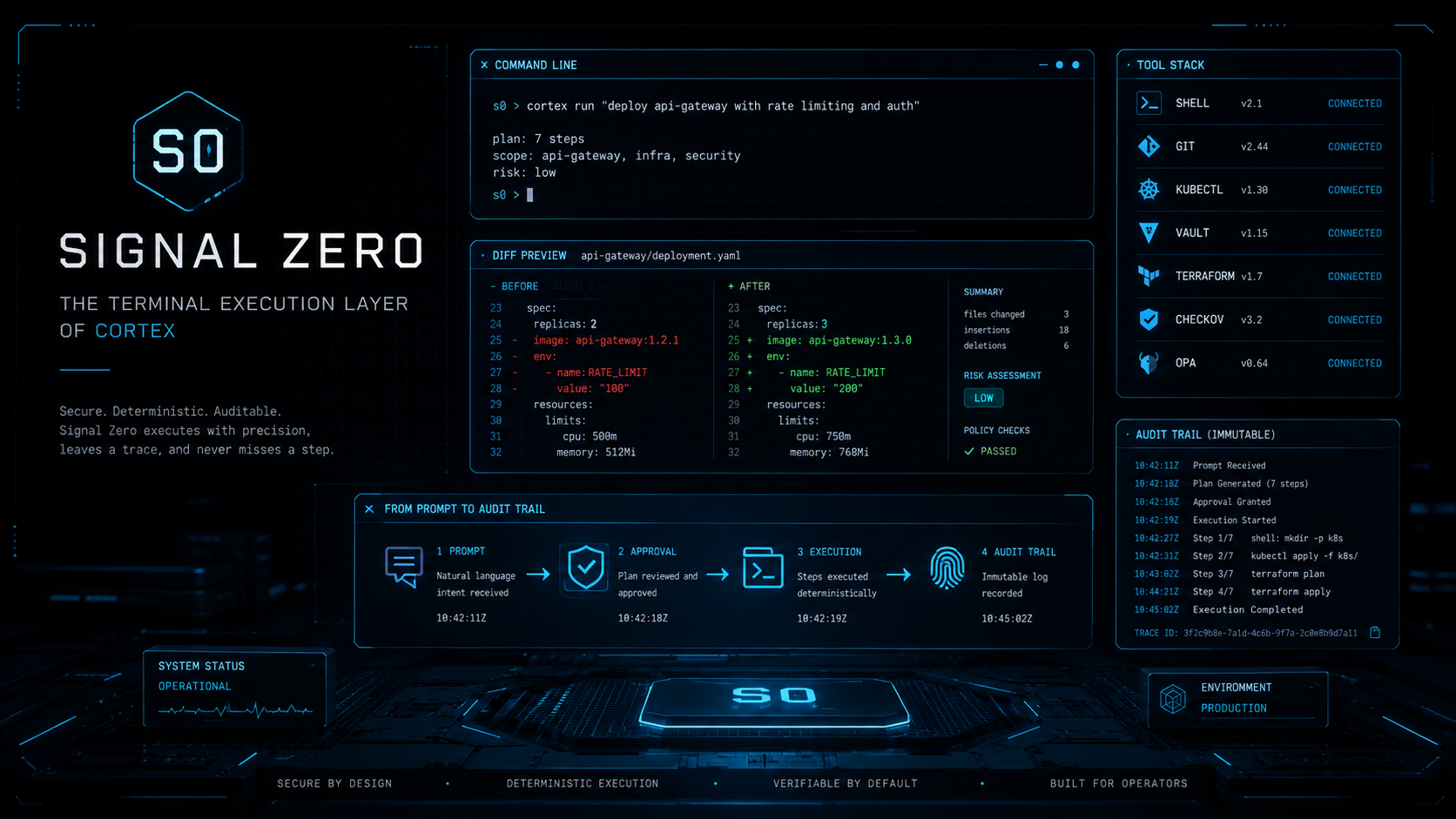
signal-zero — bash
$ s0 run "analyze src/auth for missing input validation"
◎ CORTEX  routing request · · · · · · · · · · · ·
provider: claude-3-5-sonnet  |  tokens: ~2,400
◎ S0     scoping project · · · · · · · · · · · · ·
tracked: 142 files  |  scope: src/auth/**
◎ READ  src/auth/middleware.ts         approved
◎ READ  src/auth/validators.ts         approved
◎ READ  src/auth/session.ts            approved
Analysis complete. 2 issues found:
  middleware.ts:47  — req.body.email not validated before DB query
  session.ts:112   — token expiry not checked on refresh path
◎ WRITE  src/auth/middleware.ts
+ const emailSchema = z.string().email().max(320);
+ const { email } = emailSchema.parse(req.body);
Preview diff ready. Apply changes? [y/N]: y · · · · · ·
◎ AUDIT  action recorded · · · · · · · · · · · ·
ref: s0-2026-06-13-af3d  |  scope: src/auth
Signal Zero — Command Layer for Real Work. Scope. Approve. Execute. Audit.
Signal Zero — The Terminal Execution Layer of CORTEX. Secure. Deterministic. Auditable.
What Signal Zero is

Your prompt becomes a controlled workflow.

Most CLIs wait for exact commands. Signal Zero understands your intent, scopes the project, calls the right tools, watches the result, and knows when to ask for approval. Every turn is capped at 8 tool iterations so the loop stays bounded, predictable, and human-controlled. Voice output is optional when the answer lands.

cortex · ~/Projects/launch · agent on
cortex> scope this directory and tell me what's shippable [agent loop · iter 1] Scanning the tree. → tool: file_list({ path: "." }) ✓ 14 files, 3 directories → tool: file_read({ path: "README.md" }) ✓ 84 lines → tool: git_status() ✓ branch: main · 2 modified · 1 untracked [agent loop · iter 2 · 3 tools run] Three things: 1. README claims a /docs page that doesn't exist. 2. Two unstaged edits in src/handlers.ts, both look intentional. 3. Untracked .env.example that probably should ship. Want me to draft the missing /docs page, stage the edits, and add .env.example to git? I'll show diffs before writing. cortex>

Not a chat box pretending to work. A terminal agent built to act with guardrails.

Built-in tools · v0.3.0

Nine tools. Three safety tiers.

file_read
Read a file by path. Returns line-numbered content.
Silent
file_list
List a directory. Returns names + types.
Silent
file_write
Write a file only after a diff preview and confirmation.
Diff confirm
shell_exec
Run shell commands with tiered approval: allowlisted commands can run quietly, unknown commands ask y/N, dangerous commands require typed confirmation.
Tiered
git_status
Show working tree state. Read-only.
Silent
git_diff
Show staged + unstaged changes. Read-only.
Silent
git_add
Stage selected paths. Reversible before commit.
Silent
git_commit
Create a commit with a message after confirmation.
Confirm
git_push
Push to remote. Force-push to protected branches requires typed confirmation.
Typed confirm
Safety architecture

Powerful hands. Guarded moves.

An agent with shell access is useful only if the operator can trust it. Signal Zero earns that trust by showing diffs, asking before risky actions, blocking obvious mistakes, and keeping the human in control.

01 / DIFF PREVIEW
No file writes without a visible diff
Every file write shows a unified diff first. Review deletions, additions, and context, then choose to write, edit, or skip.
02 / SHELL TIERING
Three tiers of shell approval
Allowlisted commands can run quietly. Unknown commands ask for approval. Dangerous commands require typed confirmation before they execute.
03 / FORCE-PUSH GATE
Protected branches require extra confirmation
Normal pushes can proceed with approval. Force-pushing protected branches requires a typed confirmation that names the branch, reducing the chance of irreversible mistakes.
04 / ITERATION CAP
Hard cap at 8 tool iterations per turn
Stops runaway loops at the source. If the agent hits the cap, it stops and reports what happened. You decide whether to continue. Cost stays bounded; the operator stays in control.
How every call routes

Your terminal never carries provider keys.

No provider API keys live in the CLI. Every reasoning request routes through the CORTEX control plane, which handles account auth, policy checks, provider failover, audit logging, and tool forwarding. Your terminal talks to one CORTEX endpoint while the provider layer stays behind the system.

cortex routing · control plane
┌──────────────────────────────────────────────────────────────────┐ you cortex CLI , streaming TTY · diff preview · voice api.cortexnode.ai , bearer auth · rate limit · audit log control server , policy checks · CORTEX instructions · failover reasoning providers , routed behind CORTEX tool_use blocks ─────────┐ CLI dispatcher , approved execution on your machine tool_result ──────────────────┐ loop until done └──────────────────────────────────────────────────────────────────┘ Hard cap: 8 iterations per turn. The CLI never bypasses the control server.
SOVEREIGN
One endpoint. Your control plane.
The CLI connects to api.cortexnode.ai, the CORTEX control plane. Reasoning providers sit behind that layer, so routing can evolve without changing the CLI experience.
PRIVATE
Tools execute locally, not in the cloud
Tool execution happens on your machine through the local dispatcher. The reasoning layer receives only the approved tool results returned by Signal Zero, not unrestricted filesystem access.
AUDITED
Every action leaves an audit trail
The control server records tool dispatches with timestamp, caller, and outcome. Audit trails stay tied to your account, and unsafe or invalid outputs are filtered before they reach the CLI.

"INTENT IN. VERIFIED ACTION OUT."

SIGNAL ZERO DOCTRINE

Where Signal Zero sits

One system. Specialized layers.

CORTEX routes intelligence. PRISM extends reach. JERICHO enforces guardrails. Signal Zero is the terminal execution layer.

CORTEX seven-system map: CORTEX, CORTEXNODE, Signal Zero, Jericho, PRISM, FORGE, and ATLAS.
Pricing

Included with CORTEX Operator.

Signal Zero is included with CORTEX Operator. One account connects the terminal, CORTEX routing, audit trails, and the broader CORTEX ecosystem.

Pro
$19.99
per month
CORTEX iOS access
CORTEX app surfaces where available
Signal Zero CLI not included
PRISM publishing rail not included
Get Pro
Signal Zero
Operator
$59.00
per month
Everything in Pro
Signal Zero CLI — all 9 tools
CORTEX routing with no provider keys on your machine
Audit trails and optional voice output
PRISM publishing rail included
JERICHO safety and trust layer
Get Operator

Now available. v0.3.0

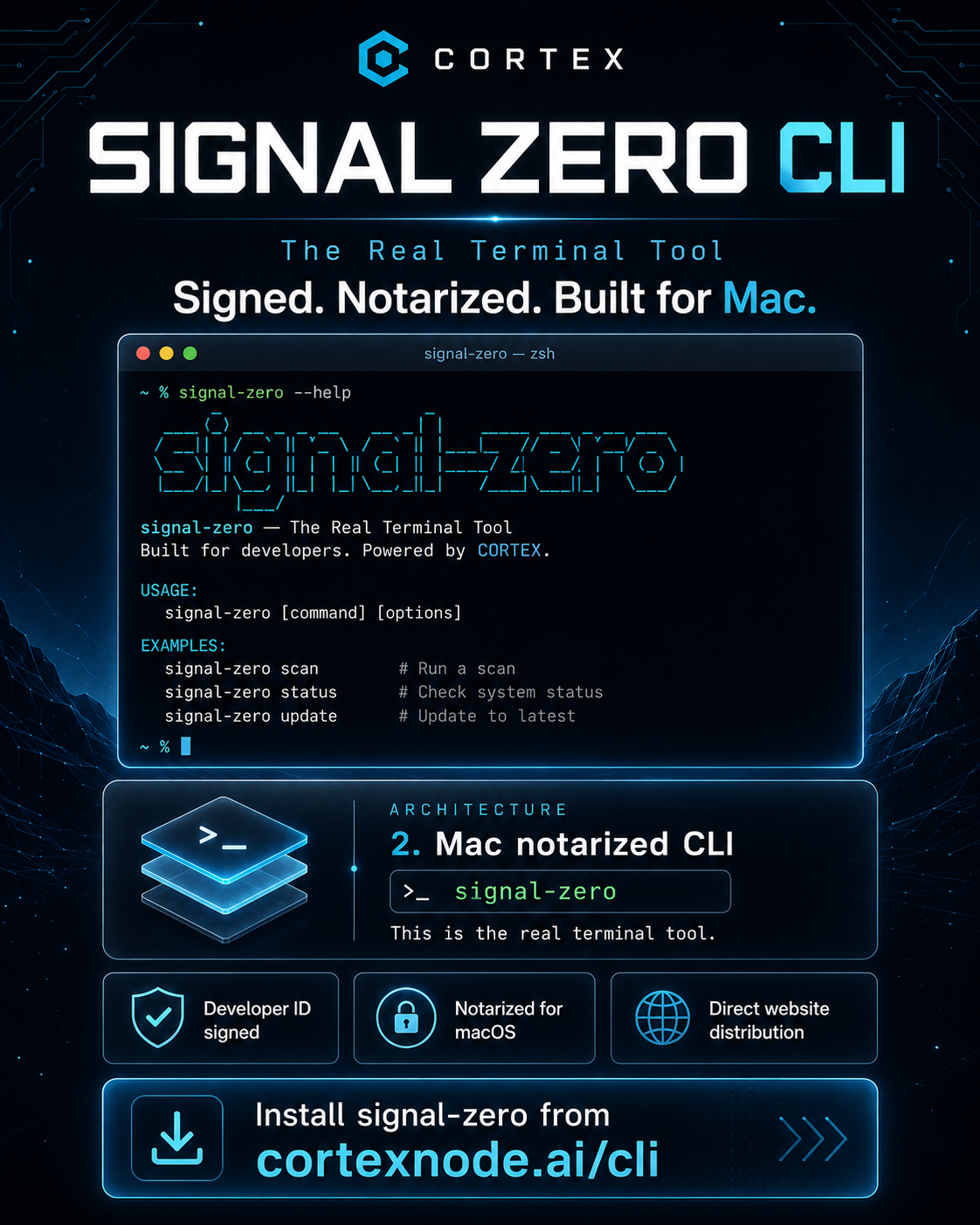
Install from verified npm, connect your CORTEX account, and run Signal Zero from your terminal.

terminal
# install Signal Zero globally
npm install -g signal-zero
# connect your account
signal-zero auth
# then just run it
signal-zero
Security · Safety · Trust

Built for controlled execution.

Signal Zero is an operator tool. It can read files, inspect projects, run approved commands, and assist with developer workflows only through visible, permissioned flows. Protection is part of the workflow: diffs before writes, confirmations before risky actions, audit trails, and account-based routing through CORTEX.

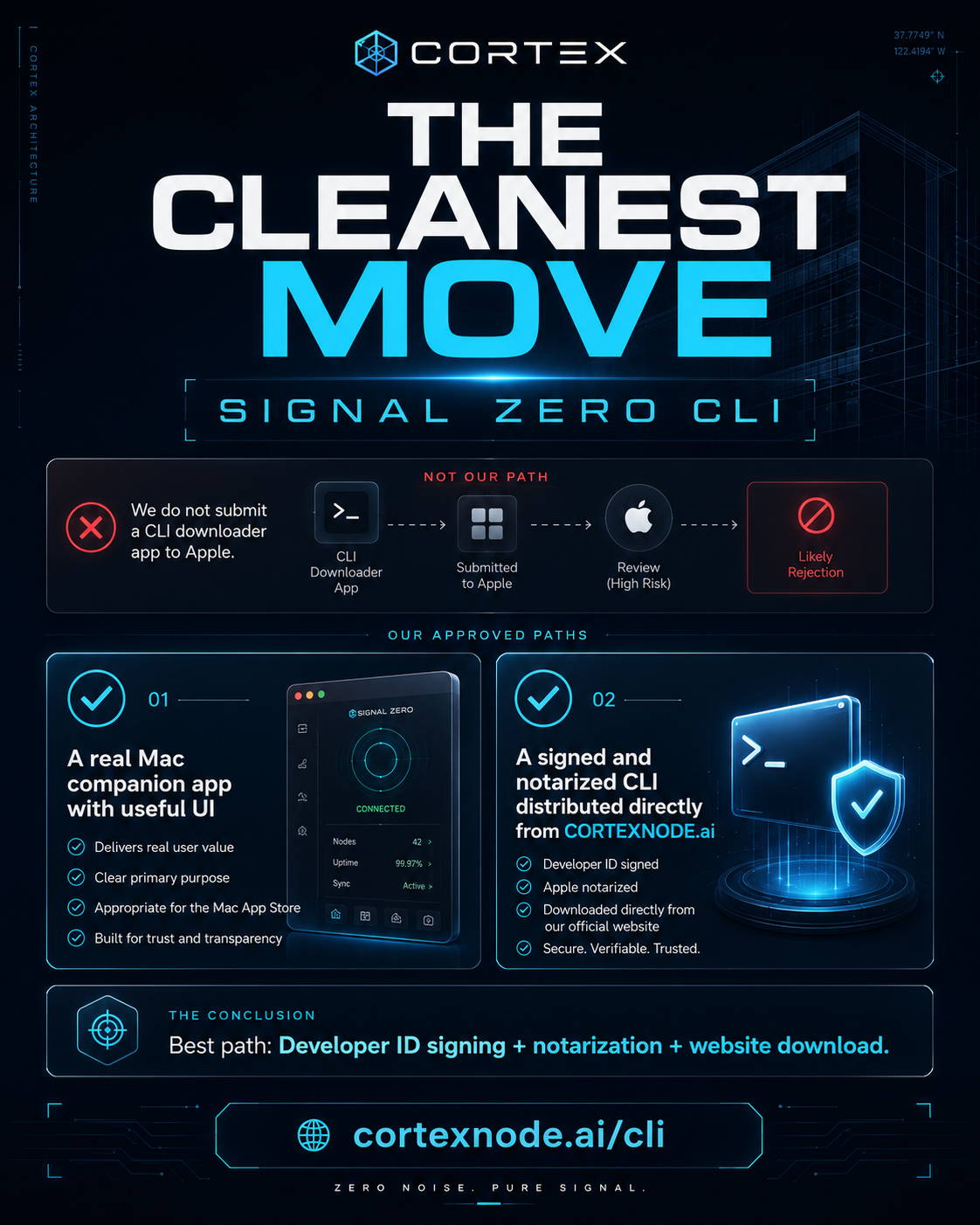
Apple protection

Apple protections apply across CORTEX app surfaces where relevant: App Store review, sandboxing, permission prompts, Gatekeeper, Notarization, and XProtect.

CORTEX protection

Install only from verified npm package signal-zero or approved CORTEX release paths. Account auth, diff previews, confirmations, and audit logging protect the execution flow.

JERICHO protection

Verification, audit logs, trust checks, and policy guardrails across the CORTEX ecosystem.

Install only from verified CORTEX paths or the official npm package. Do not install copied packages or unknown links. Report concerns: security@cortexnode.ai

View Full Security & Safety →